A new facilities maintenance model for modern CRE portfolios
Sweven Operating Model
Traditional Maintenance wasn't built to operate at portfolio scale.
Sweven helps commercial property owners transition from traditional maintenance organizations to a semi-autonomous maintenance operating model.
Live operating modelContinuous
FFM judgment
Vendors
 SWEVEN
PM compliance98.4%
SLA healthOn track
Human review3 items
$550M+FM invoices processed
560K+work orders
4,200+facilities
11K+service providers
7 yearsin production
See all results ↓Real-world scale
Results from running
facilities at scale.
Proven today. A more autonomous tomorrow.
The operating model
Not another maintenance platform.
A new way to run maintenance.
Sweven connects operations, experienced facilities leadership, field execution and intelligence into one accountable model for your portfolio.
Traditional maintenance
Fragmented by design.
- 01 Manual coordination across locations
- 02 Separate systems, vendors and workflows
- 03 Risk discovered after failure
- 04 More locations mean more overhead
Transition→
The Sweven model
One operation. Continuously coordinated.
- ✓ Routine work moves without handoff friction
- ✓ Exceptions surface when judgment is needed
- ✓ Standards remain visible at portfolio scale
- ✓ Every location improves within one model
Transition
Move from today's fragmented organization into a coordinated model.
Operate
Coordinate routine maintenance activity across the full portfolio.
Improve
Monitor performance, prioritize action and strengthen outcomes.
Scale
Extend proven standards across locations without rebuilding the operation.
Transition
What happens
after you say yes?
A controlled operational migration—not a software rollout. We learn your portfolio, activate the right capabilities and move the work in deliberate phases.
01
Operational discovery
Understand costs, risks, workflows and where execution breaks down.
02
Portfolio assessment
Define priorities, standards, ownership and measurable outcomes.
03
Model configuration
Configure the operating engine around your portfolio—not the other way around.
04
Network activation
Integrate vendors and assign experienced FFM oversight.
05
Gradual migration
Move locations and workflows in controlled phases with clear accountability.
06
Continuous operation
Run, measure and improve one coordinated model across every location.
Maintenance operations
What actually
happens every day.
The maintenance engine handles routine coordination in the background. Experienced people step in exactly where context, approval or accountability matters.
Maintenance demand
Preventive needsService requestsCompliance eventsSensor signals→

Sweven operating engine
CreateDispatchFollow upVerifyPayClose→
Coordinated action
VendorsExecute in the field
FFMsDecide, approve, intervene
Human intervention, intelligently placed.
The system keeps routine work moving and brings the right task to the right person when judgment is required.
See the service and technology behind the modelExplore maintenance coordinationExplore IoT monitoring for facilitiesSee the Maintenance Engine ↗
The human operating layer
Technology moves work.
Experience perfects it.
Our FFM Network brings experienced facilities leaders into the model—providing portfolio judgment, oversight and intervention without adding another management layer.
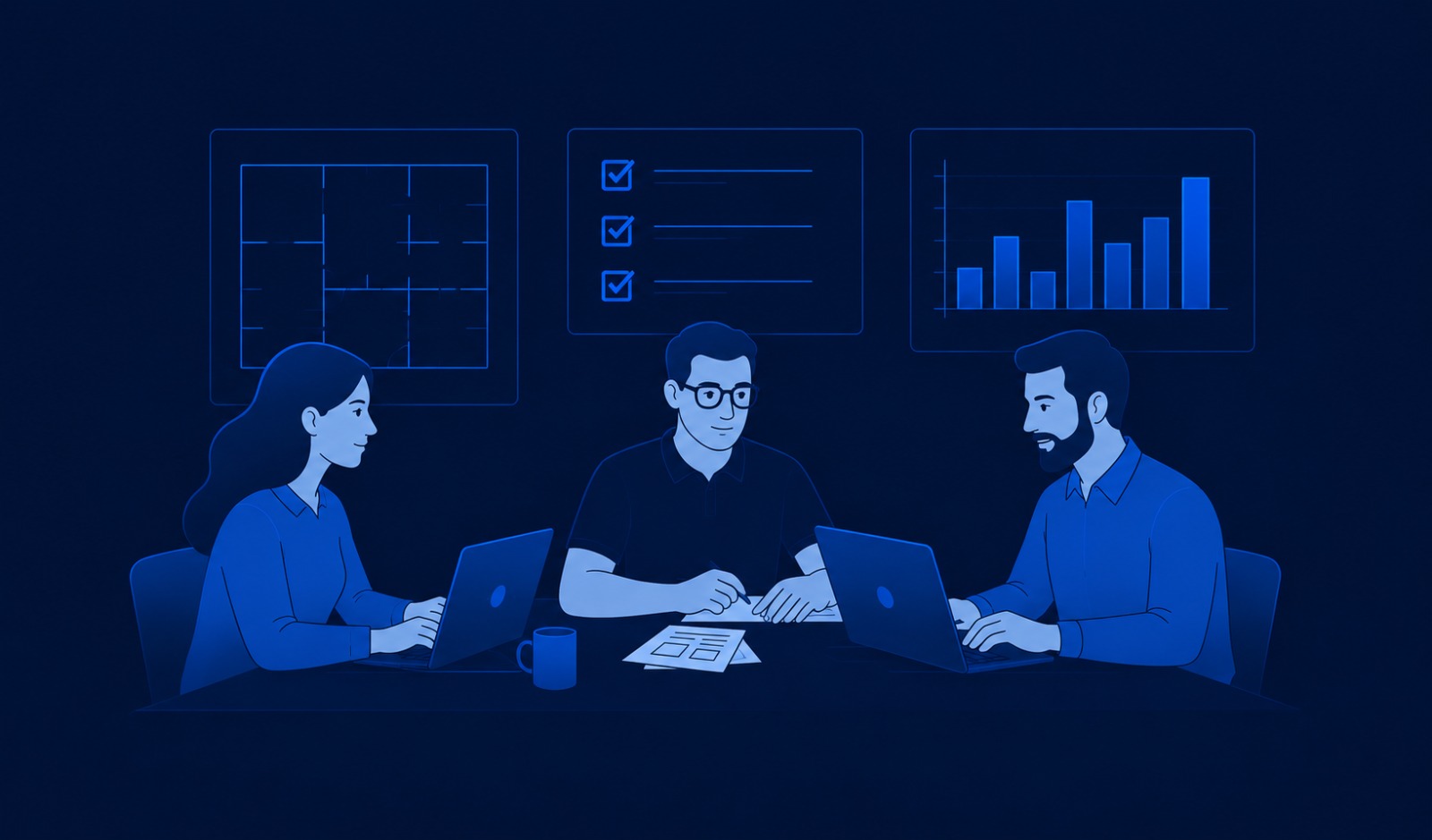
Facilities leadership on demand
Real operators behind every decision that matters.
Set priorities
Translate portfolio goals into operating expectations.
Approve exceptions
Apply context to budgets, risk and non-routine decisions.
Resolve escalations
Intervene when field work needs experienced judgment.
Maintain oversight
Keep performance visible across locations and vendors.
Find the right facilities experience for your portfolioHow Sweven Fractional FM worksBrowse the FFM Network ↗
Built around your portfolio
One model.
Different operating realities.
Sweven adapts the operating model to the asset types, service demands, risk profile and geography of each portfolio.
The connected Sweven ecosystem
Go deeper into
each part of the model.
This site explains the operating model. These destinations let you explore the engine, the people, the client experience, and the knowledge that support it.
01 · Technology
Maintenance Engine
See how Sweven coordinates work, exceptions, compliance, vendors and visibility.
Explore the engine ↗02 · Human expertiseFFM Network
Browse experienced facilities leaders by industry, specialty and availability.
Browse FFMs ↗03 · Client experienceClient Operating Model
Understand how clients consume one coordinated maintenance operating layer.
Explore for clients →04 · Field executionVendor Network
Review enrollment, requirements, workflows and field execution.
Explore the Vendor Marketplace ↗05 · NewsFM Insights
Read the editorial pulse on operations, compliance, vendors, assets and technology.
Read the latest ↗06 · All usersFM Community
Use practical playbooks, case studies, FAQs and operating guidance.
Visit the community ↗Knowledge center
A new category
needs clear thinking.
Explore the ideas, research and operating practices behind semi-autonomous maintenance.
Why traditional maintenance organizations stop scaling—and what replaces them.
The operating cost of fragmented coordination.
Insights for the next era of facilities leadership.
06 · The next step
Start with
your operation.
A focused conversation about how maintenance works today—where coordination breaks, where risk accumulates and where a unified operating model could create leverage.
30 minInitial conversation
No commitmentA clear view of fit
Your contextPractical next steps
Request received
Your assessment request is on its way.
We've received your information. A member of the Sweven team will follow up by email to understand your operation.